How Can We Help?
Each template has its own file; this makes it very easy to back up the templates folder or share your templates with a colleague.
The templates are located in this folder for Doc Converter Pro 3 or older: C:\Program Files (x86)\DocConverterPro\Templates
Doc Converter Pro 4 stores templates in the: C:\ProgramData\DocConveterPro\Templates
You can copy and paste them, just like any normal file. When you open Doc Converter Pro, the program will automatically detect any new templates and add them to the drop-down templates list.
We store the templates in a .wc file format. This format is basically a text file, so you can open the template files in Notepad or any other editor.
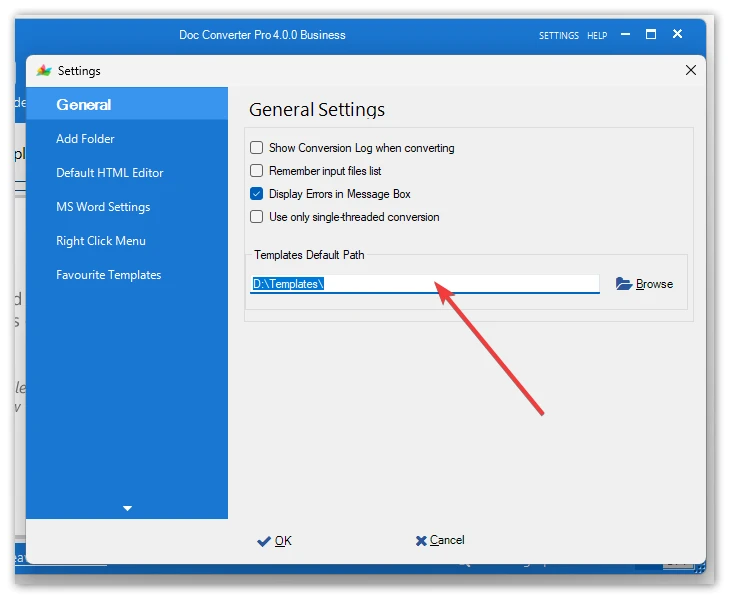
Please note that you can move the templates to any other folder (for example, a common shared network folder) and set the path to it in the Settings: